


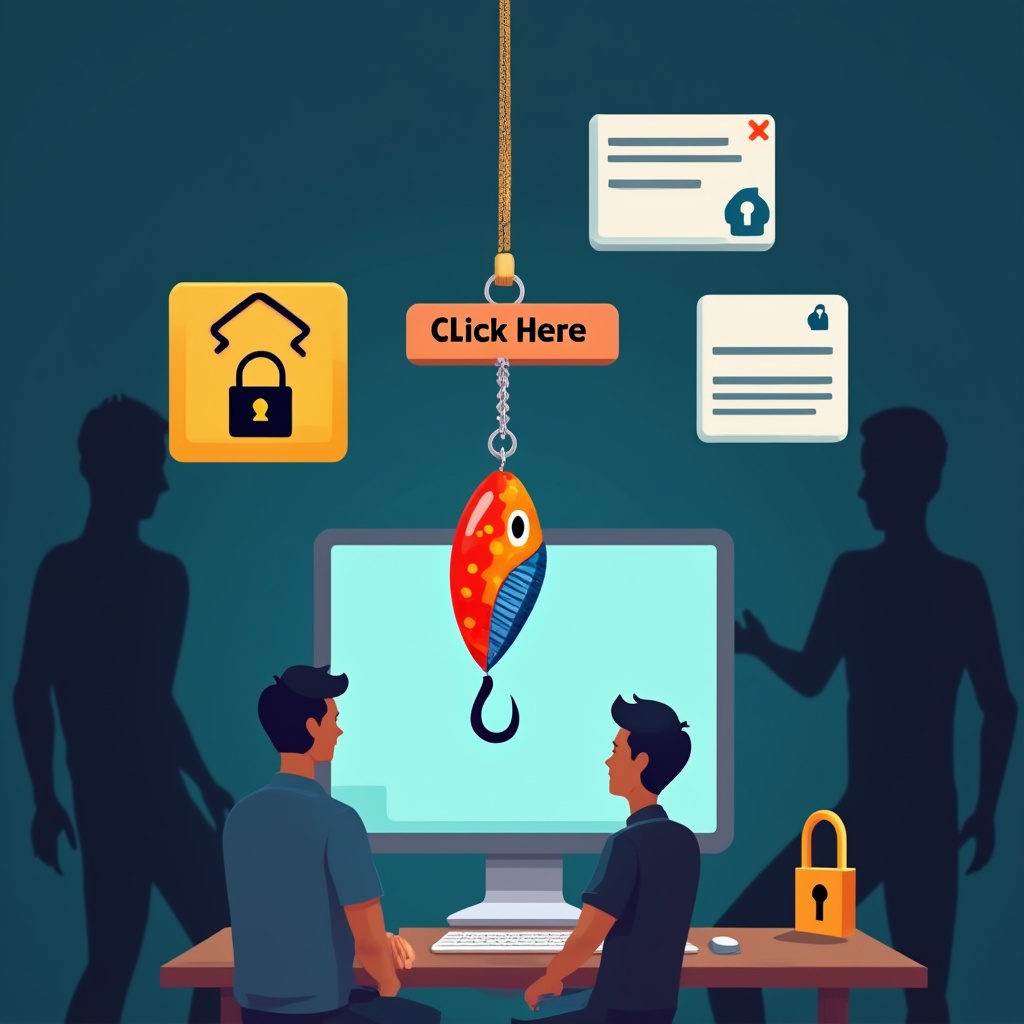
Have you ever clicked a link that promised you money, warned you about a scary issue, or offered an irresistible deal? We feel that tug, that itch to click, and before we know it, we’ve fallen for it.
In the world of cybersecurity, bad guys don’t just use magic spells; they use psychology. They create magnetic content that feels too good to be true—as if it were written just for you. We call this the art of being “Catchy & Click-Worthy.”
In this article, we’ll break down how these cyber-baiters hook their victims, why they work, and—most importantly—how you can cast a line that keeps the hackers at bay.
1. What is “Catchy & Click-Worthy”?
Imagine a fisherman walking through a swamp. He doesn’t just throw a bare hook into the water hoping to catch something. He ties on a worm, or he uses a shiny lure. He makes something that looks delicious to a fish.
A “Catchy & Click-Worthy” attack is exactly the same. But instead of a garden pond, the fisherman is the internet, and the fish are your personal information.
Attackers craft messages—usually via email or text—that are catchy because they are:
- Urgent: “Your account will be closed in 24 hours!”
- Curious: “Here is exactly what your friends are saying about you.”
- Greed-Filled: “You’ve won a free iPhone!”
They make it click-worthy by adding a link that promises to solve that problem immediately. It looks real, feels real, and tricks your brain into thinking you’re doing a favor for yourself rather than spreading an infection.
2. How the Attack Works (The High-Level Play)
There is no “magic” button attackers push to hack you. Instead, it’s a game of tag with many players. Here is the general sequence of events:
- The Setup (The Cast): The attacker creates a fake email or website. They do their homework so the “From” name looks like your bank or a shop you actually use.
- The Catch (The Hook): They send millions of these emails out using “bulk mailing” software. They rely on luck: they just need one person to bite.
- The Bait: The email is designed to trigger a strong emotion—usually fear (losing money) or excitement (getting a reward).
- The Click: You see the button. Your curiosity wins. You click “Refund Now” or “Download.” This downloads a tiny piece of “spyware” onto your device without you knowing, or takes you to a fake website where you type in your password.
- The Catch (The Take): Because you handed over your password, the attacker can log in as you, steal your files, or, more frighteningly, pretend to be you and ask your friends for money.
3. Real-World Examples of the Hook
-
The “Prince” Scam (Just Updated):
Years ago, people got scammed by a generic “Nigerian Prince” who needed help moving millions of dollars. Today, attackers use modern “Catchy & Click-Worthy” tactics. You might get an email from a “tech support agent” saying your computer is full of viruses and automatically making appointments for you to download a “cleaner.” You click, and your computer is hijacked. -
The Fake Invoice (CEO Fraud):
A large company in London once fell victim to a hacker who sent a “Catchy & Click-Worthy” email to an executive. The email looked like an urgent invoice from a vendor the company used all the time. It was catchy because it brushed over details and demanded immediate payment. The executive clicked, and the company lost over $44 million. The ransom on their data has been estimated at higher than that. -
The “Tax Season” Panic:
In the weeks leading up to tax season in the US, millions receive emails that look official. They are catchy because they play on the fear of the IRS. “Open this document immediately or face legal trouble.” Because people click in panic, they expose their private data.
4. Why Are We Vulnerable?
You might think, “I’m not an IT expert; I’m just a regular person.” That’s exactly the problem.
We are smart about real risks, but dumb with digital distractions.
- Biases: We suffer from “optimism bias.” We think, “Bad things happen to other people, not to me.”
- Cognitive Load: When we are busy at work or distracted at home, our brains look for shortcuts. An attacker’s catchy email feels like a helpful shortcut to solving a problem (like a refund) rather than a threat.
- Design:
Hackers are professional marketers. They spend more time designing the email than the hack. They use company logos, familiar fonts, and colors copied perfectly from real websites. To the human eye, it often looks identical to the real thing.
5. How to Defend Yourself (The Anti-Bait)
The best way to stop a fish from biting is to use a thick, sturdy hook. You need to build defenses that make “Catchy & Click-Worthy” attacks fail.
1. The “Glance and Gulp” Rule (Phishing Recognition)
Before clicking a link, look at the sender’s address.
- Real: support@reallyrealbank.com
- Fake: support@reallyreal-bank.con (See the fake “con” at the end?)
- Action: If it looks urgent or too good to be true, don’t click. Go to the company’s website directly by typing the name into your browser yourself.
2. Lock the Door with Two-Factor Authentication (2FA)
This is the most effective shield. Even if a hacker tricks you into giving them your password, they can’t get in without the second piece of evidence they don’t have (like a code on your phone).
- Action: Turn on 2FA everywhere possible.
3. Good Habits = Good Security
- Think Before You Click: If a link takes you to an odd URL, don’t follow it.
- Don’t Share Secrets: Real tech support will never ask for your password or remote access to your computer via chat.
- Lock Your Screen: When you walk away from your computer, lock it so no one else can mess with your settings.
4. Get a Second Opinion
When in doubt, contact someone else. If you get a “Catchy” email, forward it to your IT department or a friend and say, “Does this look real to you?” Usually, you will spot the trick immediately if you show it to someone else.
Conclusion
Cybersecurity isn’t about buying super-expensive computer machines; it’s about buying awareness. Attackers are master marketers who know exactly what buttons to push to make you nervous or excited.
By slowing down, questioning the “Catchy” headlines, and adding layers of protection like 2FA, you transform yourself from easy prey into a fortress. Now that’s a safety net you can trust.
